Project Setup & Asset Installation
To get started with the asset, you only need to enable one setting in the project settings and then install the asset
-
To do so, open your Unreal Engine project, go into “Edit” and open the Project Settings tab
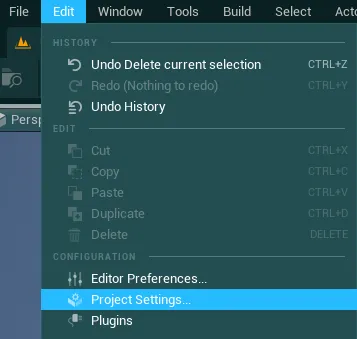
-
Then, type “enable user” and make sure the box besides the
Enable User Settingsoption is checked (true)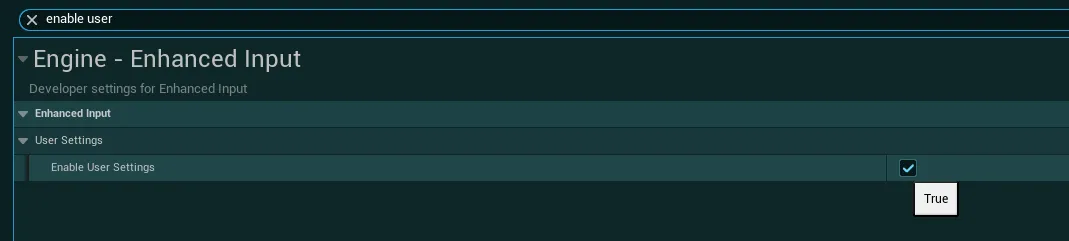
-
Once this is done, you can then install the asset pack, you can do so by downlading the asset from FAB or from the source build provided on Discord
Installation from FAB
-
To install the asset from FAB, open the Epic Game Launcher and navigate to the FAB tab
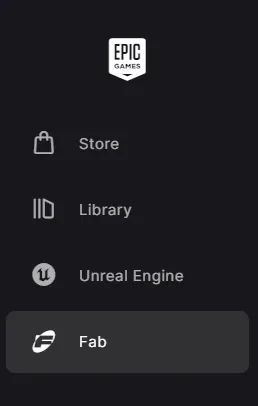
-
Click on the
My Librarytab and search forEasy Hud Builderin the searchbox
-
Then, simply click on the
+button to add it to your project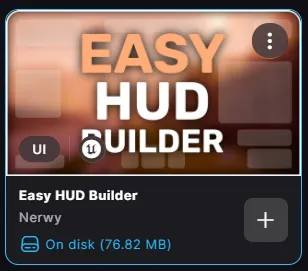
-
In the pop up that appears, select the project for which you want to use the asset pack then wait for the importation process to be completed. Once done, you can then proceed to the next section
Installation from Source Build (Discord)
Source Builds are available on Discord for any user with a verified purchase
-
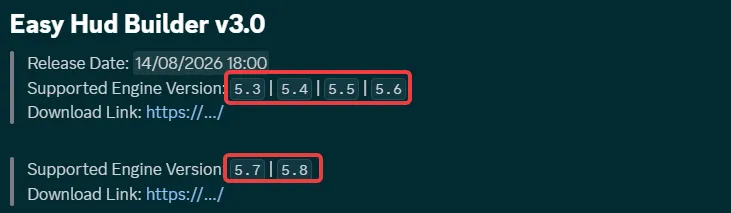
To install the asset from the Source Builds provided on Discord, first identify the version you need based on your engine and download the associated files
-
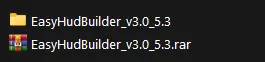
Then, extract the downloaded archive and you will have an Unreal Project folder containing the asset files
-
Then in this project folder, go into
Contentand copy the singleEasyHudBuilderfolder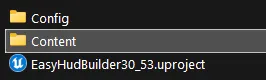

-
Finally, open your Unreal project folder and paste this
EasyHudBuilderfolder inside it (in theContentfolder of your project)